
基于sprinmgboot实习管理系统源码和论文
随着信息化时代的到来,管理系统都趋向于智能化、系统化,实习管理也不例外,但目前国内仍都使用人工管理,市场规模越来越大,同时信息量也越来越庞大,人工管理显然已无法应对时代的变化,而实习管理系统能很好地解决这一问题,轻松应对实习管理平时的工作,既能提高人力物力财力,又能加快工作的效率,取代人工管理是必然趋势。
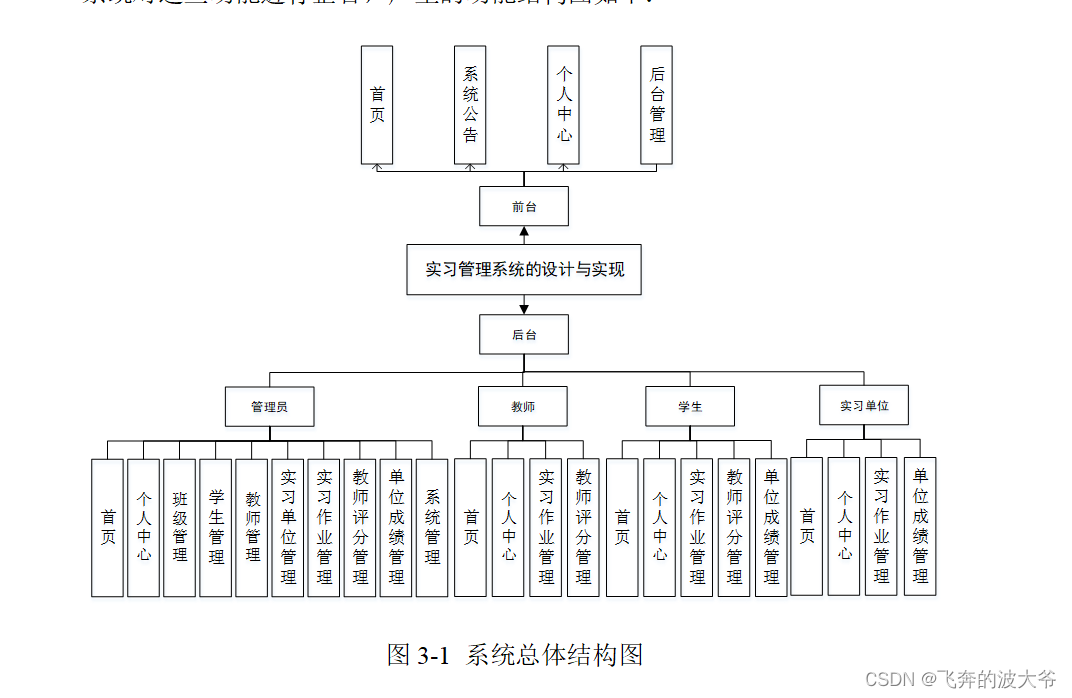
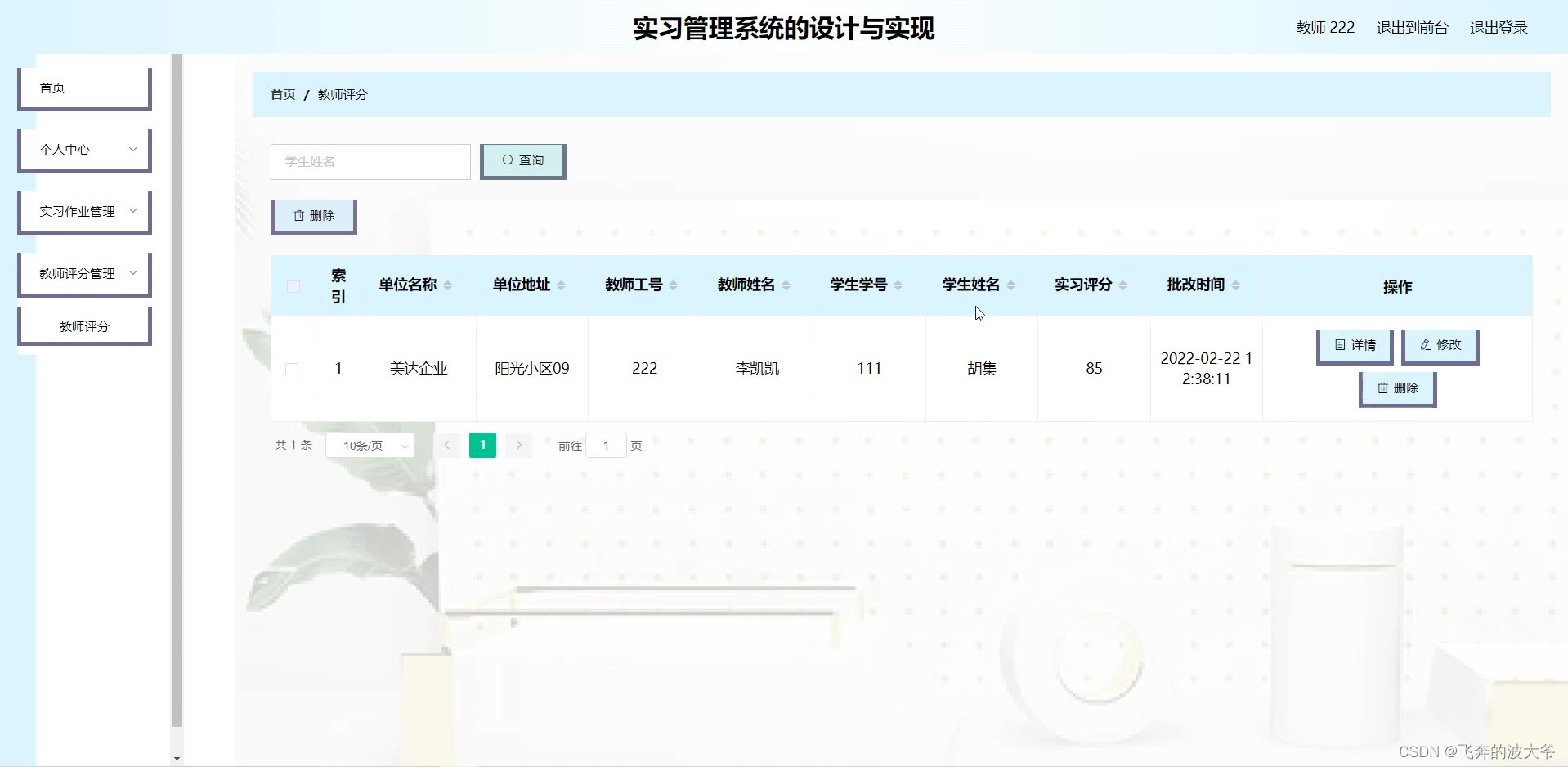
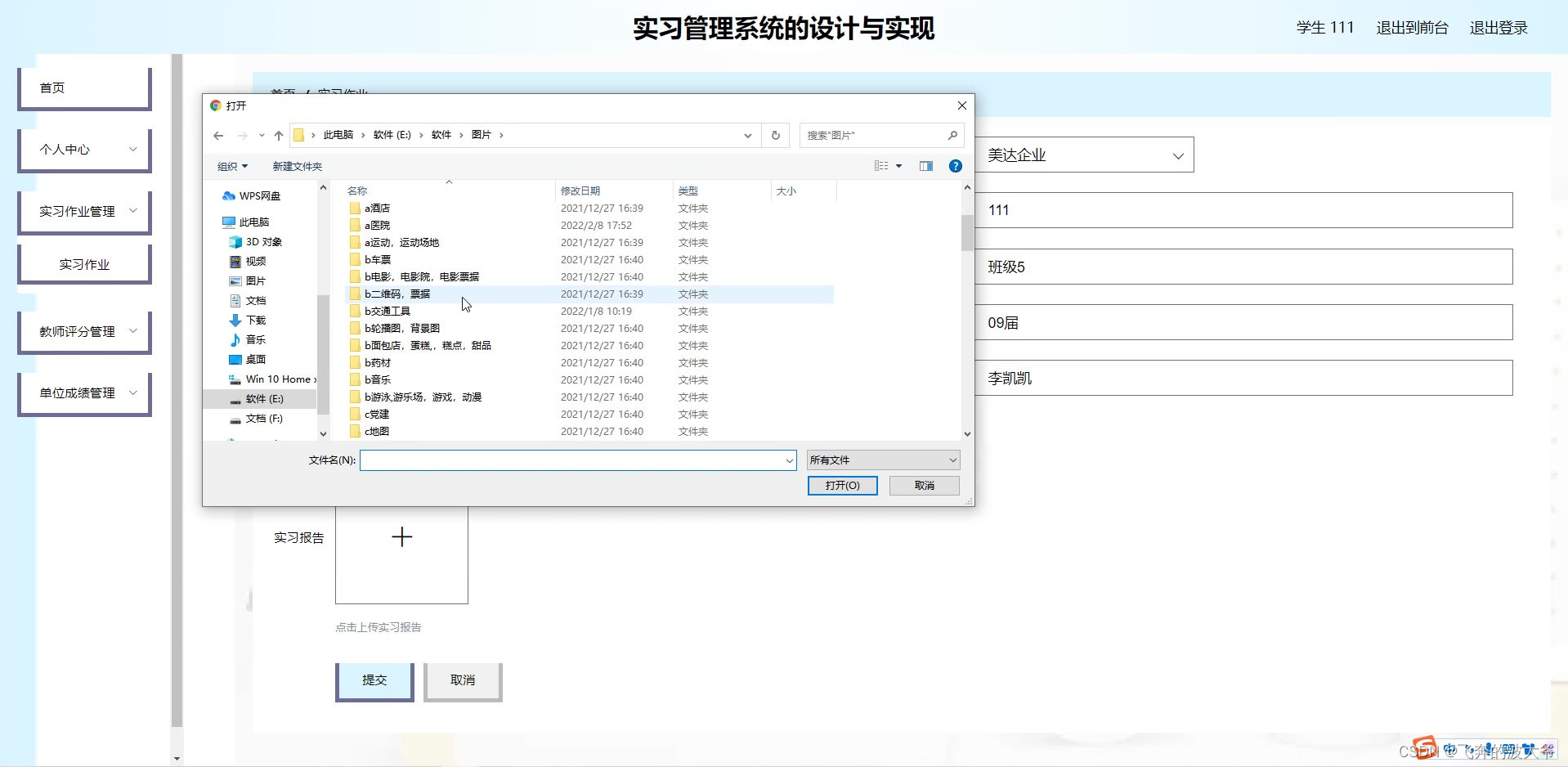
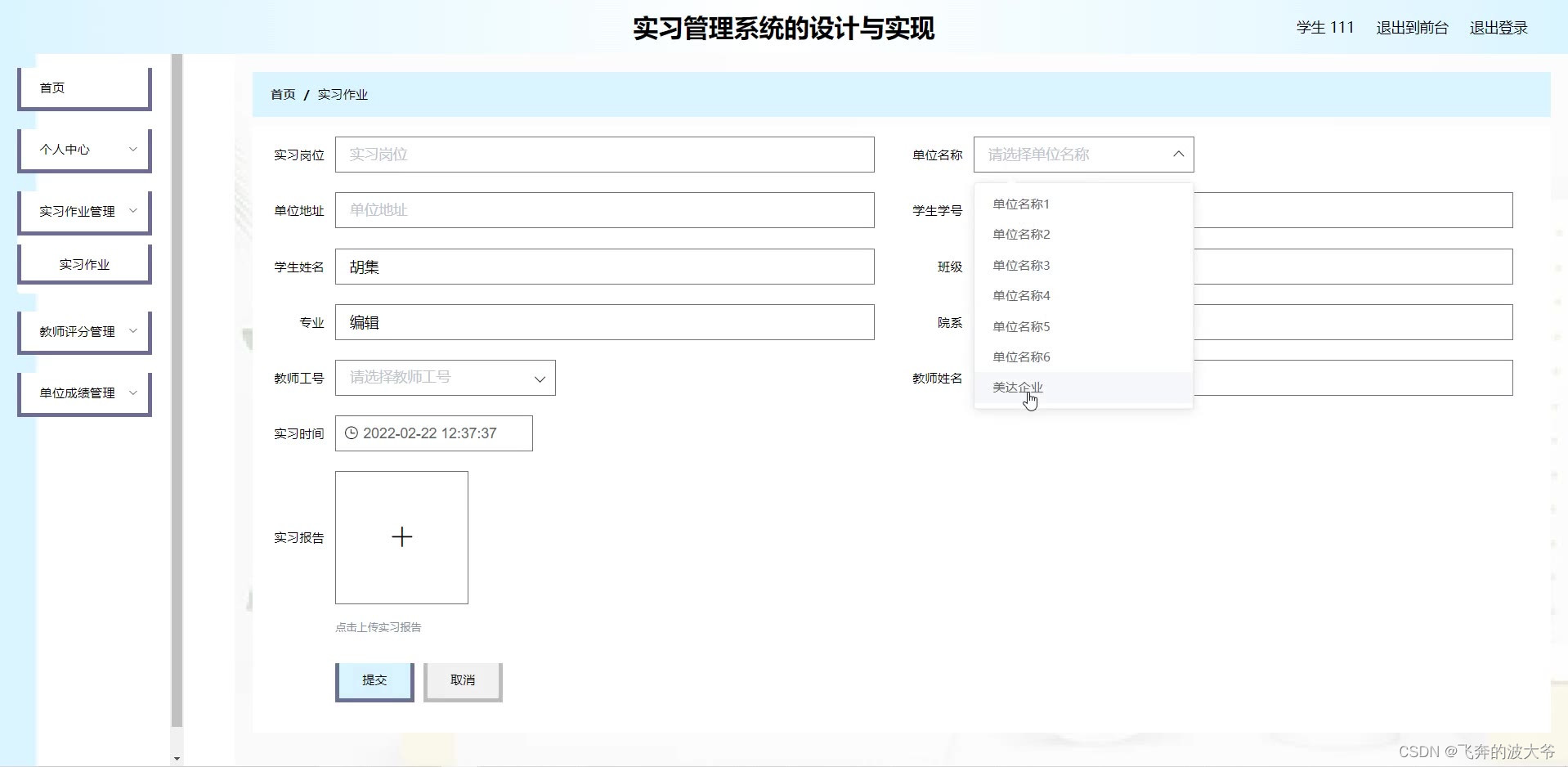
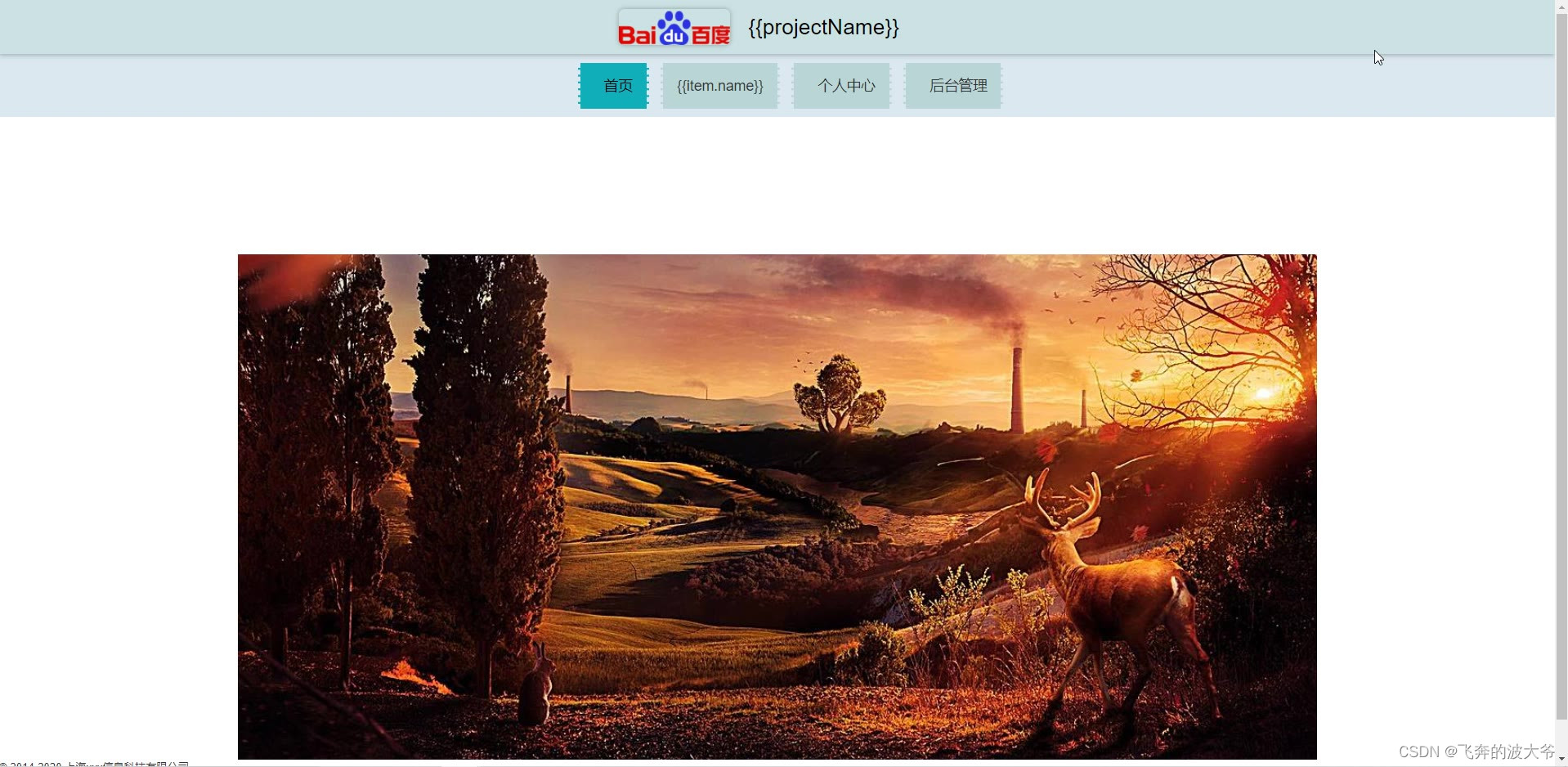
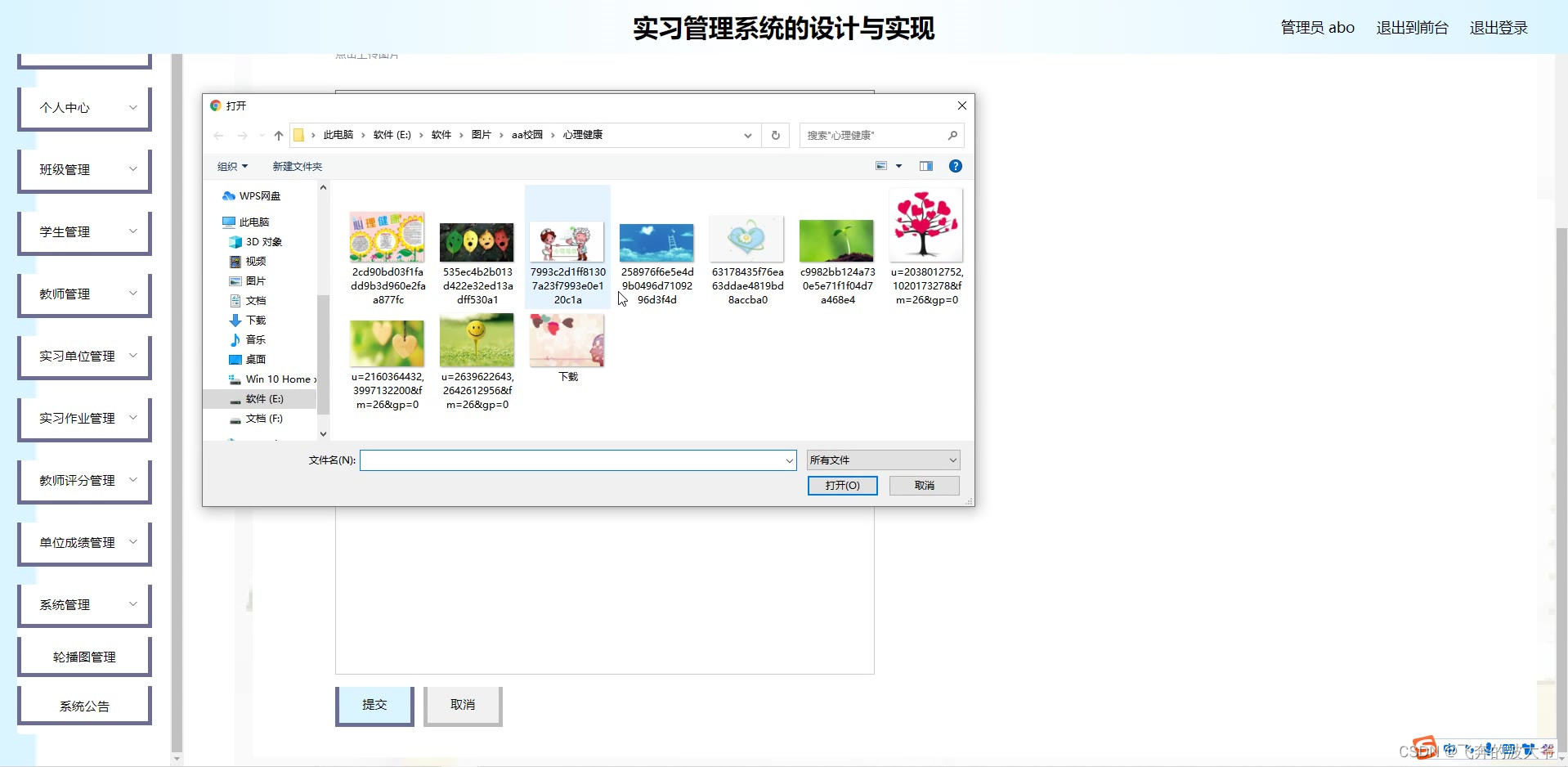
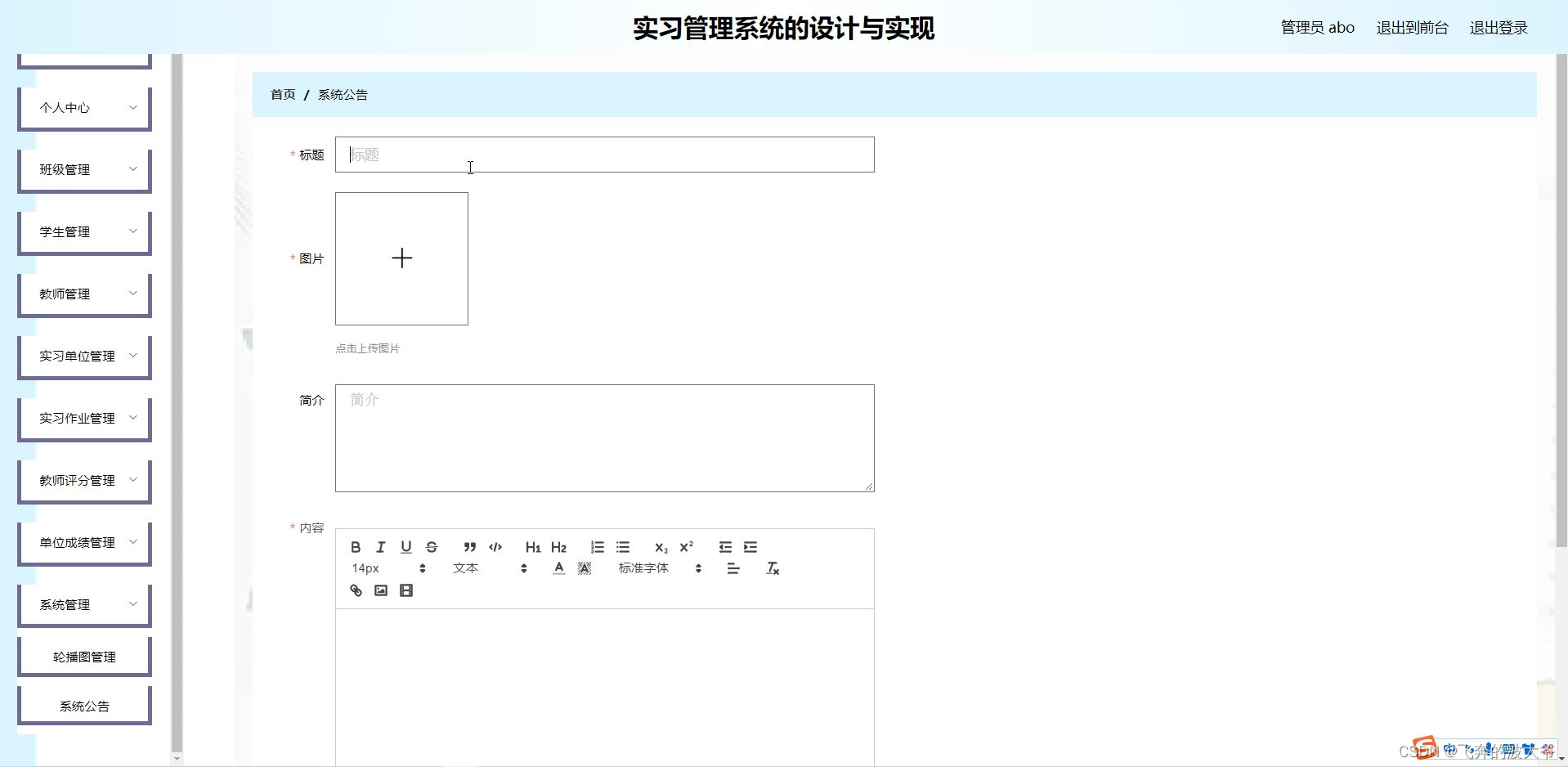
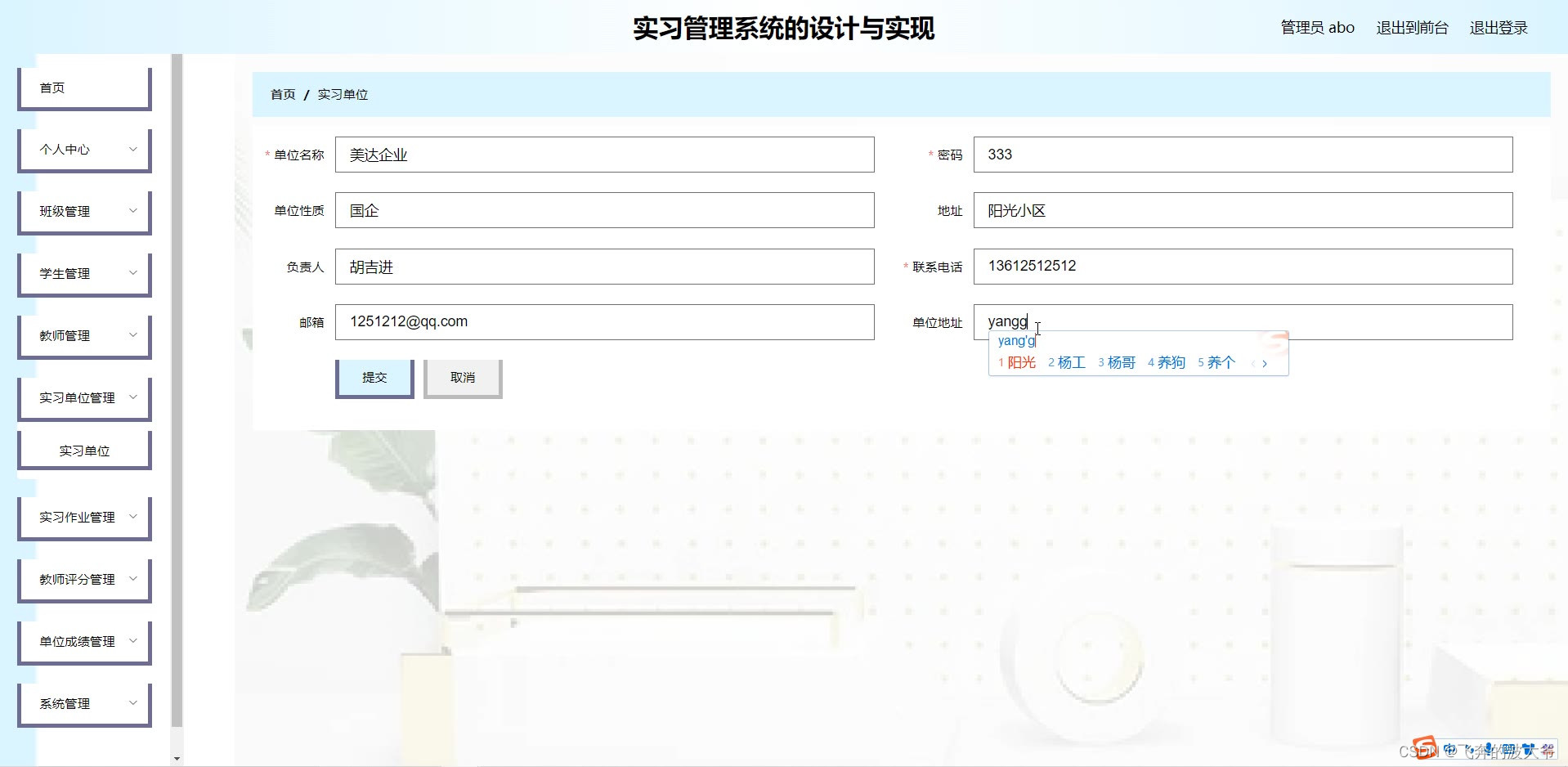
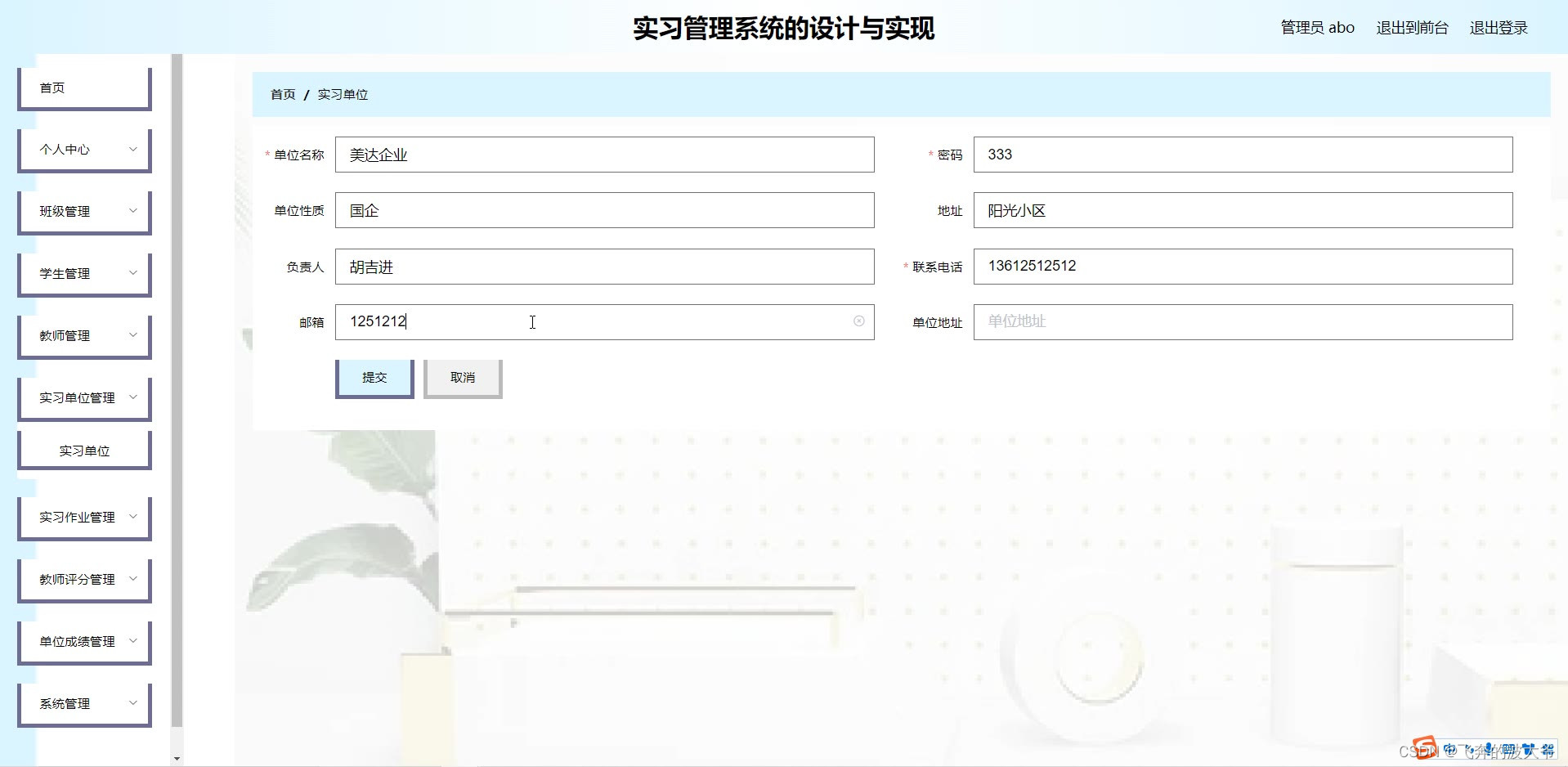
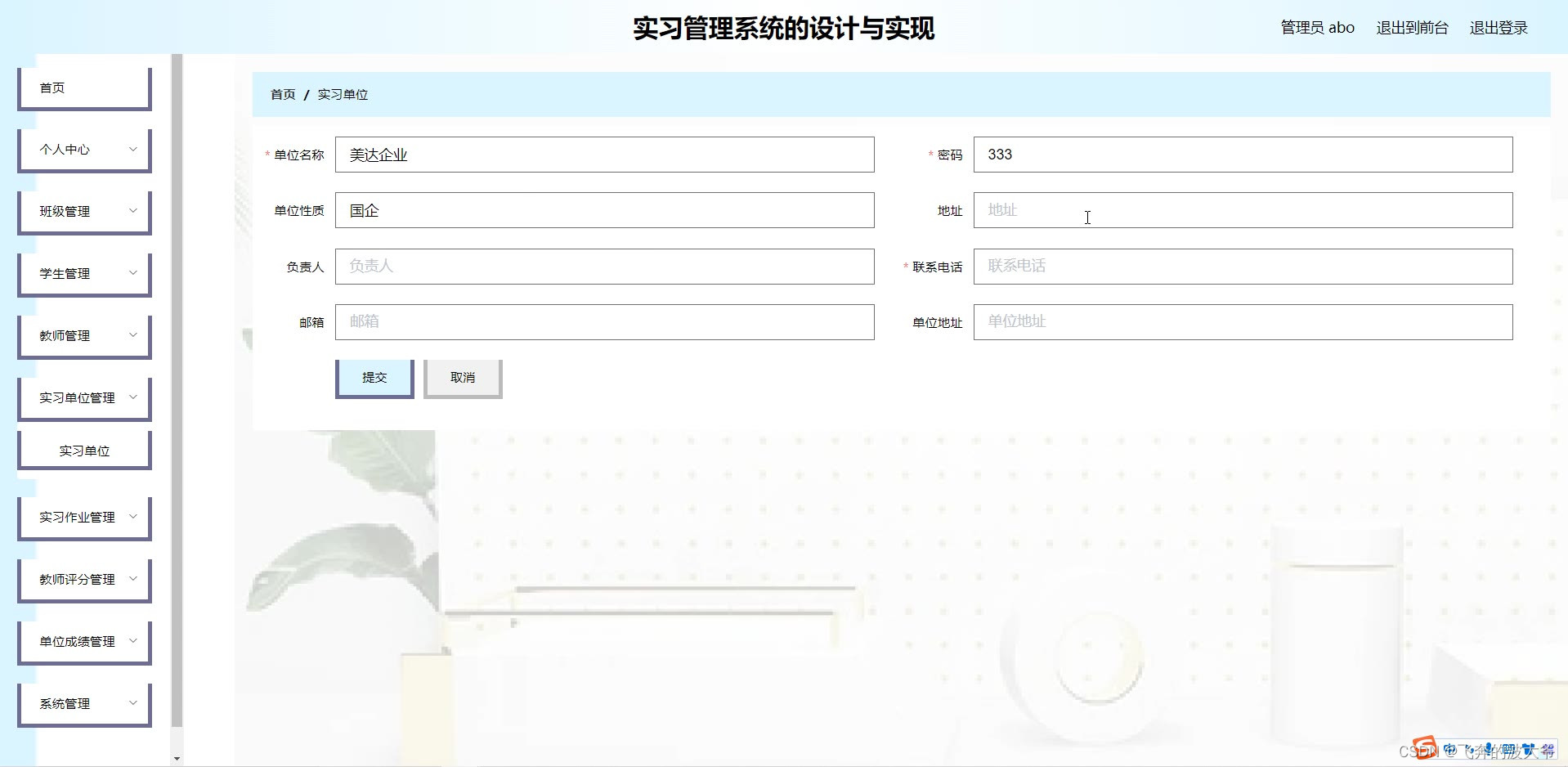
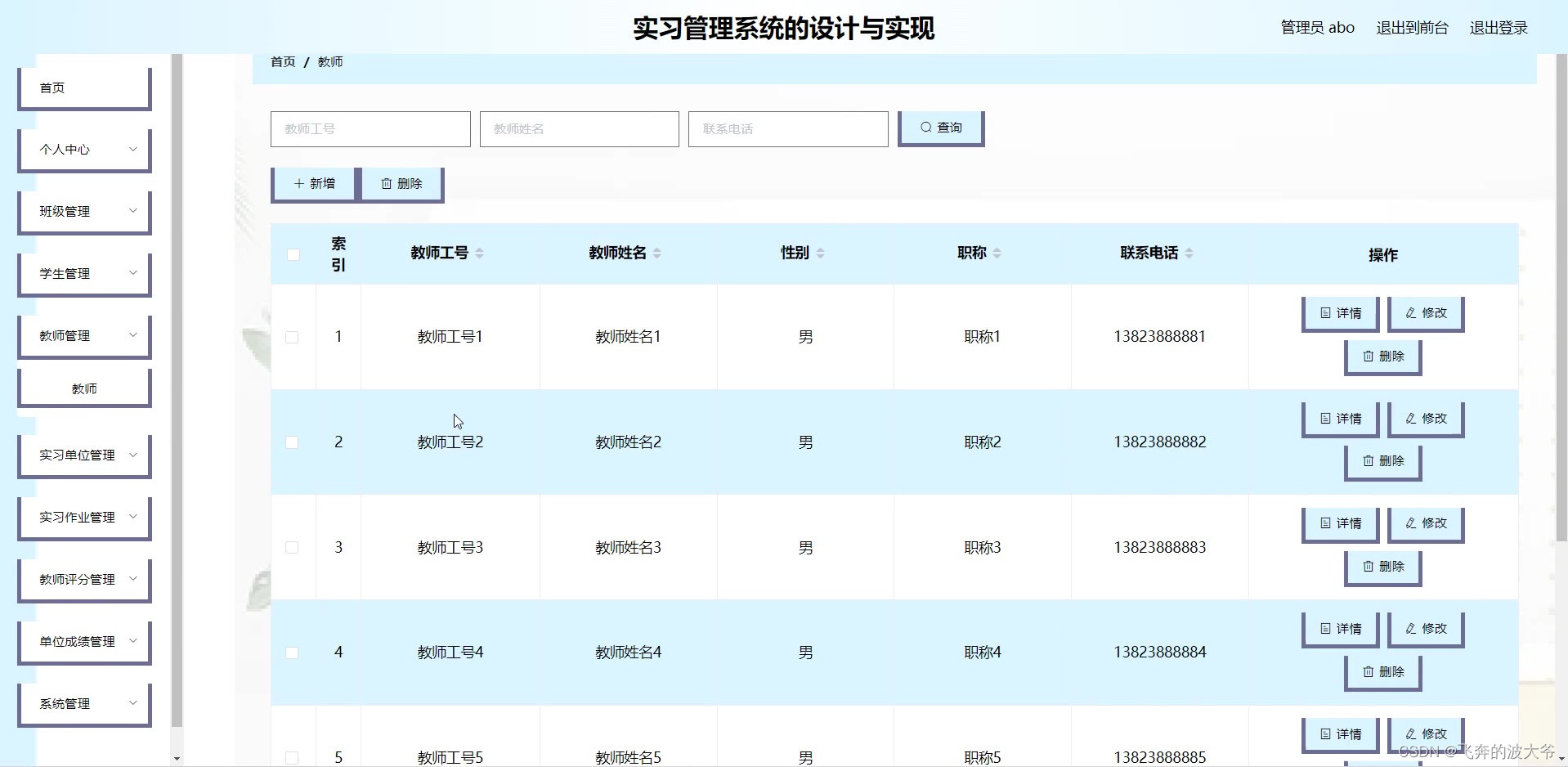
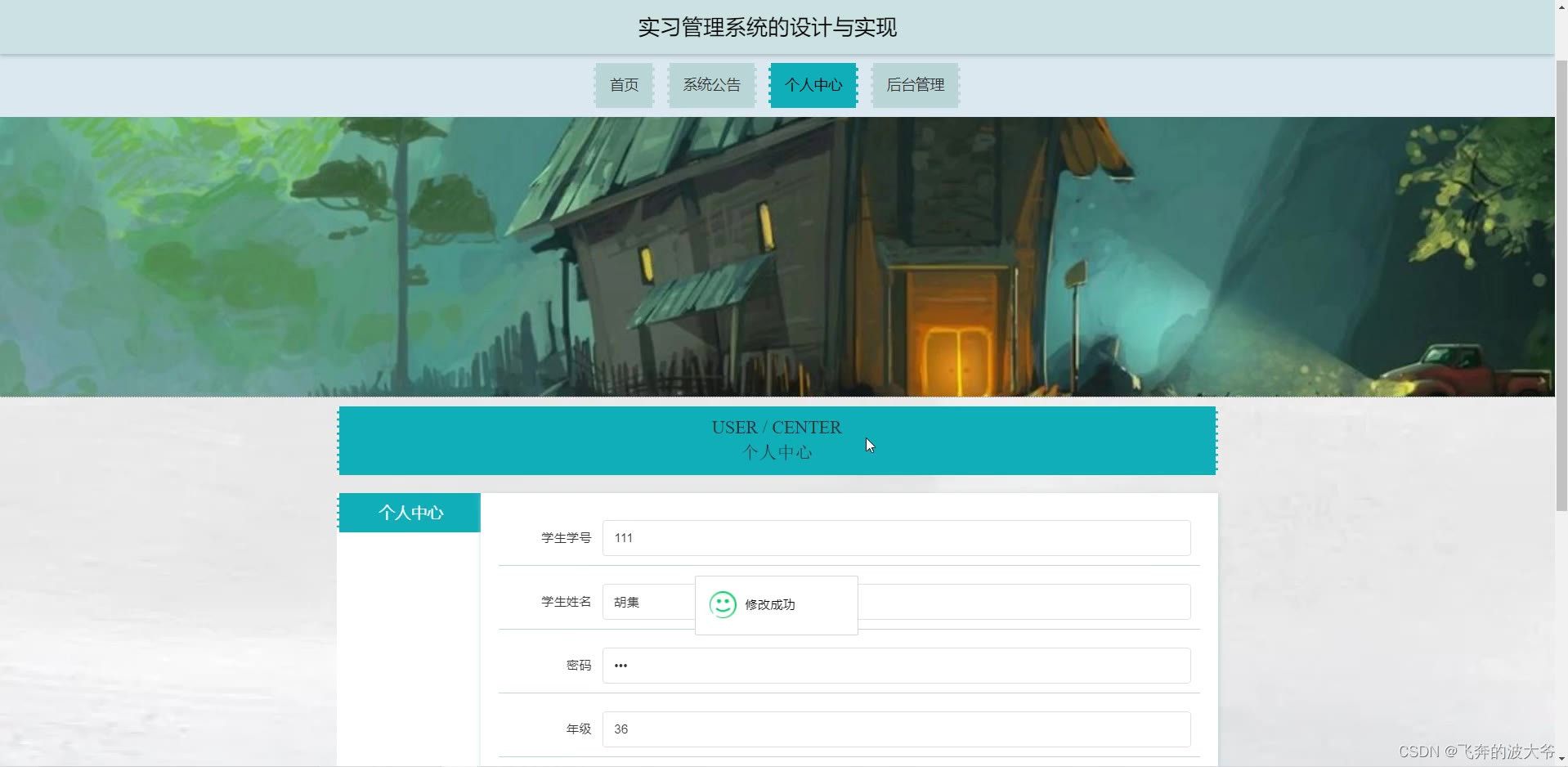
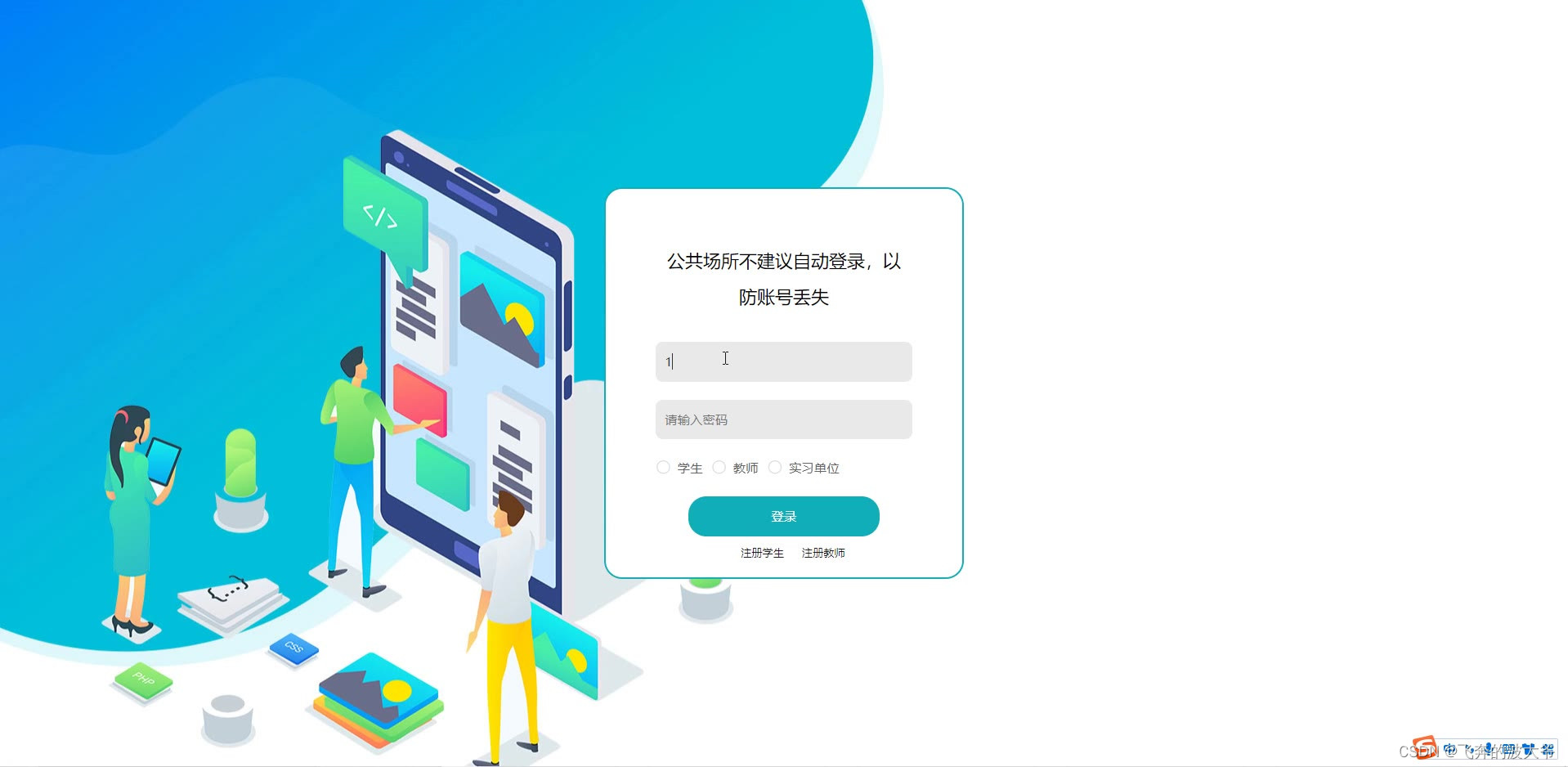
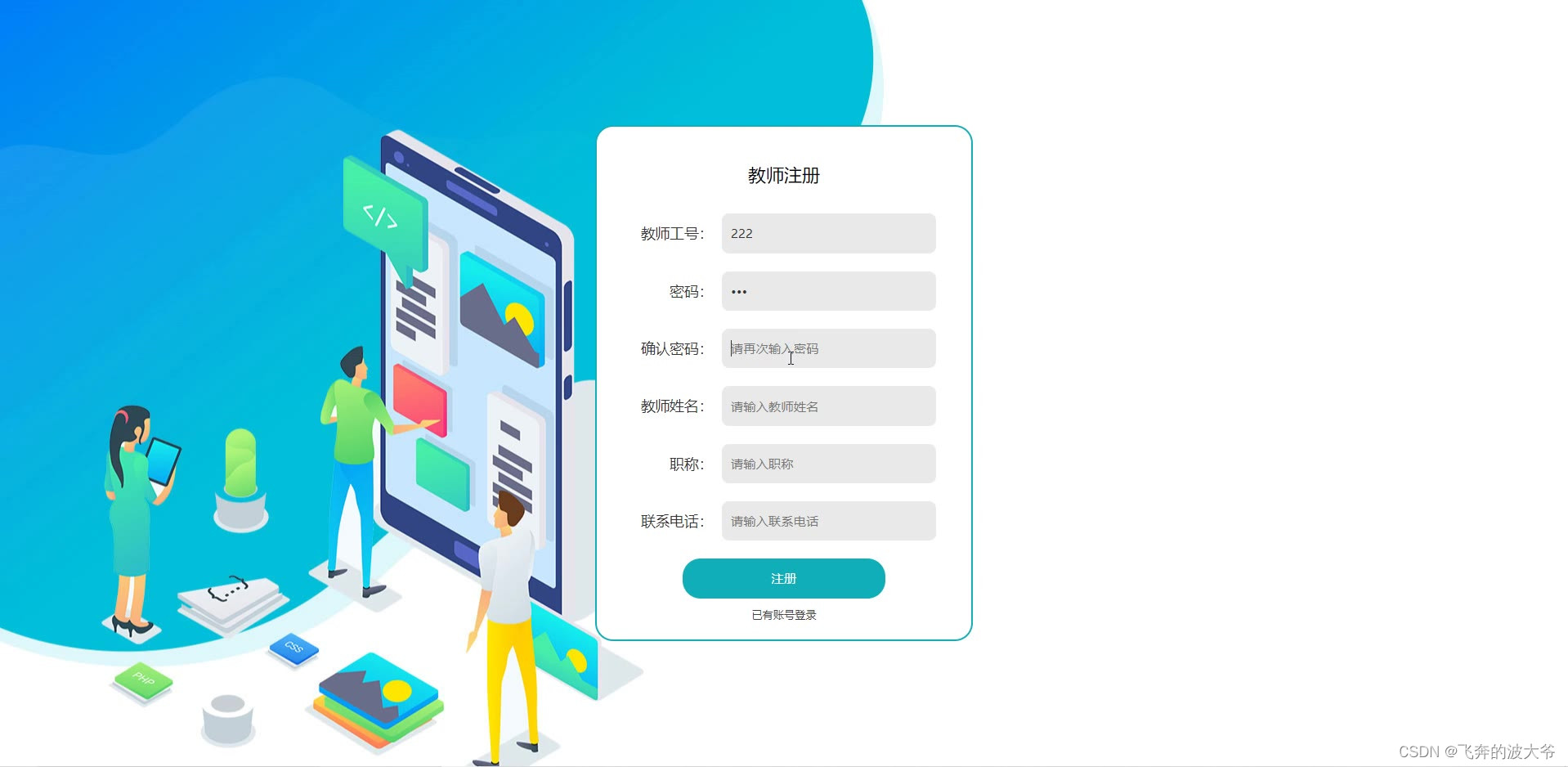
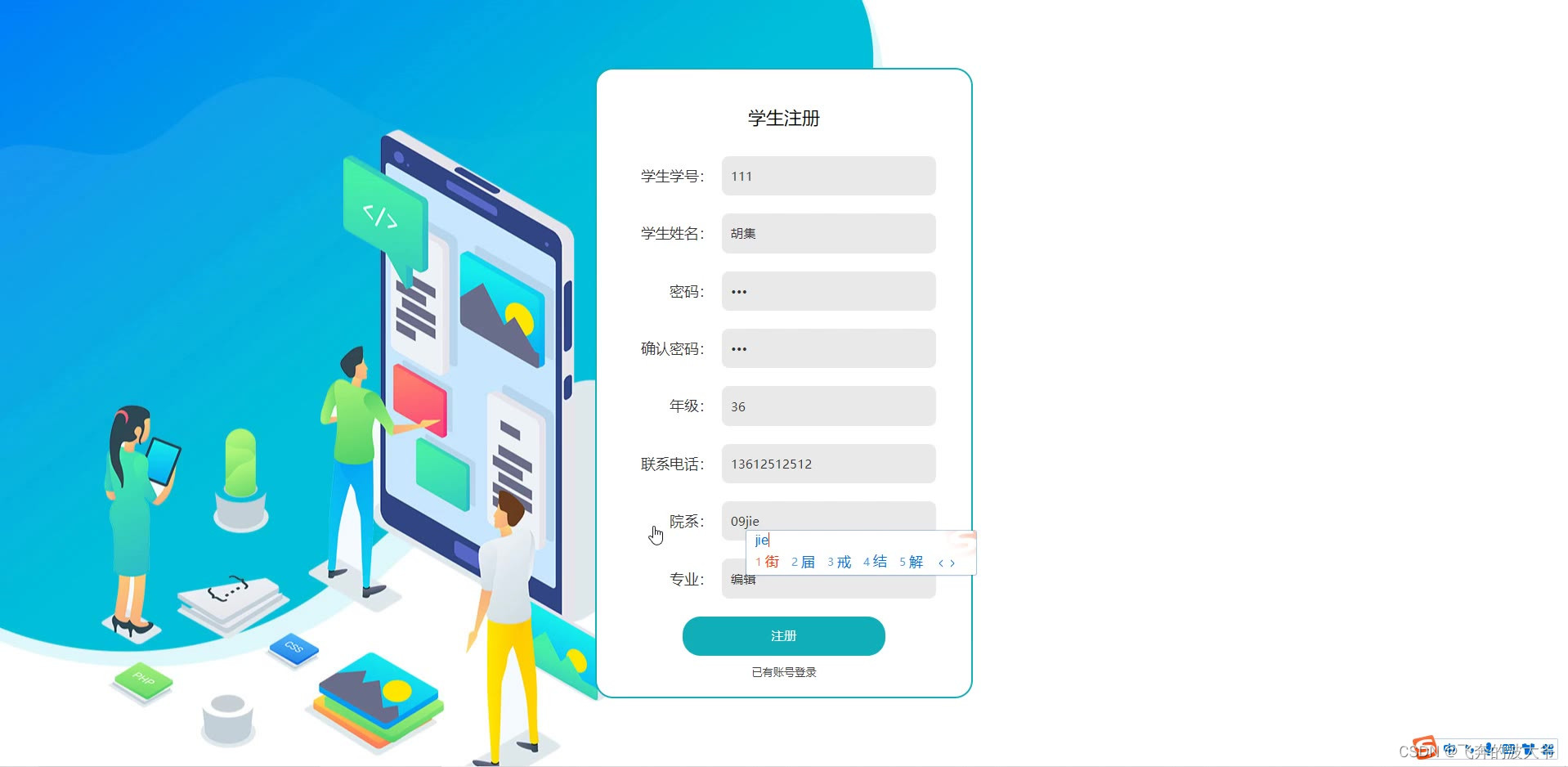
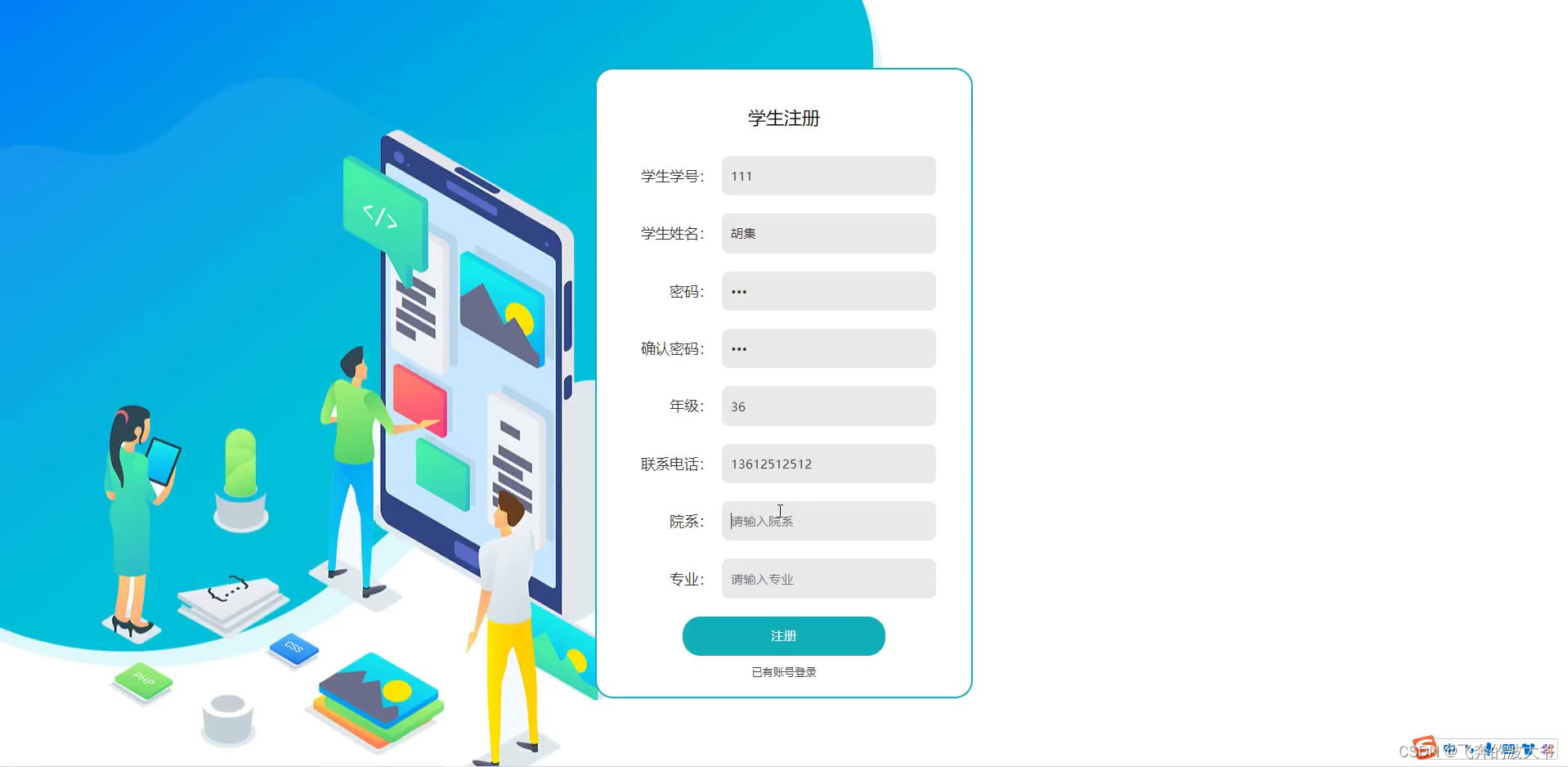
本实习管理系统以springboot作为框架,b/s模式以及MySql作为后台运行的数据库,同时使用Tomcat用为系统的服务器。本系统主要包括首页,个人中心,班级管理,学生管理,教师管理,实习单位管理,实习作业管理,教师评分管理,单位成绩管理,系统管理等功能,通过这些功能的实现基本能够满足日常实习管理的操作。
本文着重阐述了实习管理系统的分析、设计与实现,首先介绍开发系统和环境配置、数据库的设计,接着说明功能模块的详细实现,最后进行了总结。
关键词:实习管理系统;springboot;MySql数据库;Tomcat
基于sprinmgboot实习管理系统源码和论文315
演示视频:
基于sprinmgboot实习管理系统源码和论文
Abstract
With the coming of information era, all tend to be intelligent, systematic management system, practice management is no exception, but at present domestic still use manual management, the size of the market is more and more big, at the same time, the amount of information is becoming more and more big, artificial management has clearly unable to cope with the changes of The Times, and practice management system can solve this problem well, easy to practice management work at ordinary times, It can not only improve manpower, material and financial resources, but also speed up the efficiency of work, replacing manual management is an inevitable trend.
This practice management system uses Springboot as the framework, B/S mode and MySql as the background database, and Tomcat as the server of the system. This system mainly includes home page, personal center, class management, student management, teacher management, practice unit management, practice operation management, teacher scoring management, unit score management, system management and other functions, through the realization of these functions can basically meet the operation of daily practice management.
This paper focuses on the analysis, design and implementation of the practice management system, first introduces the development system and environment configuration, the design of the database, then explains the detailed implementation of the functional modules, and finally summarizes.
Key words: Practice management system; Springboot; MySql database; Tomcat














package com.controller;import java.io.File;
import java.io.FileNotFoundException;
import java.io.IOException;
import java.text.SimpleDateFormat;
import java.util.ArrayList;
import java.util.Calendar;
import java.util.Date;
import java.util.HashMap;
import java.util.List;
import java.util.Map;import javax.servlet.http.HttpServletRequest;import org.apache.commons.lang3.StringUtils;
import org.json.JSONObject;
import org.springframework.beans.factory.annotation.Autowired;
import org.springframework.util.ResourceUtils;
import org.springframework.web.bind.annotation.PathVariable;
import org.springframework.web.bind.annotation.RequestBody;
import org.springframework.web.bind.annotation.RequestMapping;
import org.springframework.web.bind.annotation.RequestParam;
import org.springframework.web.bind.annotation.RestController;import com.annotation.IgnoreAuth;
import com.baidu.aip.face.AipFace;
import com.baidu.aip.face.MatchRequest;
import com.baidu.aip.util.Base64Util;
import com.baomidou.mybatisplus.mapper.EntityWrapper;
import com.entity.ConfigEntity;
import com.service.CommonService;
import com.service.ConfigService;
import com.utils.BaiduUtil;
import com.utils.FileUtil;
import com.utils.R;
/*** 通用接口*/
@RestController
public class CommonController{@Autowiredprivate CommonService commonService;private static AipFace client = null;@Autowiredprivate ConfigService configService;    /*** 获取table表中的column列表(联动接口)* @param table* @param column* @return*/@IgnoreAuth@RequestMapping("/option/{tableName}/{columnName}")public R getOption(@PathVariable("tableName") String tableName, @PathVariable("columnName") String columnName,String level,String parent) {Map<String, Object> params = new HashMap<String, Object>();params.put("table", tableName);params.put("column", columnName);if(StringUtils.isNotBlank(level)) {params.put("level", level);}if(StringUtils.isNotBlank(parent)) {params.put("parent", parent);}List<String> data = commonService.getOption(params);return R.ok().put("data", data);}/*** 根据table中的column获取单条记录* @param table* @param column* @return*/@IgnoreAuth@RequestMapping("/follow/{tableName}/{columnName}")public R getFollowByOption(@PathVariable("tableName") String tableName, @PathVariable("columnName") String columnName, @RequestParam String columnValue) {Map<String, Object> params = new HashMap<String, Object>();params.put("table", tableName);params.put("column", columnName);params.put("columnValue", columnValue);Map<String, Object> result = commonService.getFollowByOption(params);return R.ok().put("data", result);}/*** 修改table表的sfsh状态* @param table* @param map* @return*/@RequestMapping("/sh/{tableName}")public R sh(@PathVariable("tableName") String tableName, @RequestBody Map<String, Object> map) {map.put("table", tableName);commonService.sh(map);return R.ok();}/*** 获取需要提醒的记录数* @param tableName* @param columnName* @param type 1:数字 2:日期* @param map* @return*/@IgnoreAuth@RequestMapping("/remind/{tableName}/{columnName}/{type}")public R remindCount(@PathVariable("tableName") String tableName, @PathVariable("columnName") String columnName, @PathVariable("type") String type,@RequestParam Map<String, Object> map) {map.put("table", tableName);map.put("column", columnName);map.put("type", type);if(type.equals("2")) {SimpleDateFormat sdf = new SimpleDateFormat("yyyy-MM-dd");Calendar c = Calendar.getInstance();Date remindStartDate = null;Date remindEndDate = null;if(map.get("remindstart")!=null) {Integer remindStart = Integer.parseInt(map.get("remindstart").toString());c.setTime(new Date()); c.add(Calendar.DAY_OF_MONTH,remindStart);remindStartDate = c.getTime();map.put("remindstart", sdf.format(remindStartDate));}if(map.get("remindend")!=null) {Integer remindEnd = Integer.parseInt(map.get("remindend").toString());c.setTime(new Date());c.add(Calendar.DAY_OF_MONTH,remindEnd);remindEndDate = c.getTime();map.put("remindend", sdf.format(remindEndDate));}}int count = commonService.remindCount(map);return R.ok().put("count", count);}/*** 单列求和*/@IgnoreAuth@RequestMapping("/cal/{tableName}/{columnName}")public R cal(@PathVariable("tableName") String tableName, @PathVariable("columnName") String columnName) {Map<String, Object> params = new HashMap<String, Object>();params.put("table", tableName);params.put("column", columnName);Map<String, Object> result = commonService.selectCal(params);return R.ok().put("data", result);}/*** 分组统计*/@IgnoreAuth@RequestMapping("/group/{tableName}/{columnName}")public R group(@PathVariable("tableName") String tableName, @PathVariable("columnName") String columnName) {Map<String, Object> params = new HashMap<String, Object>();params.put("table", tableName);params.put("column", columnName);List<Map<String, Object>> result = commonService.selectGroup(params);SimpleDateFormat sdf = new SimpleDateFormat("yyyy-MM-dd");for(Map<String, Object> m : result) {for(String k : m.keySet()) {if(m.get(k) instanceof Date) {m.put(k, sdf.format((Date)m.get(k)));}}}return R.ok().put("data", result);}/*** (按值统计)*/@IgnoreAuth@RequestMapping("/value/{tableName}/{xColumnName}/{yColumnName}")public R value(@PathVariable("tableName") String tableName, @PathVariable("yColumnName") String yColumnName, @PathVariable("xColumnName") String xColumnName) {Map<String, Object> params = new HashMap<String, Object>();params.put("table", tableName);params.put("xColumn", xColumnName);params.put("yColumn", yColumnName);List<Map<String, Object>> result = commonService.selectValue(params);SimpleDateFormat sdf = new SimpleDateFormat("yyyy-MM-dd");for(Map<String, Object> m : result) {for(String k : m.keySet()) {if(m.get(k) instanceof Date) {m.put(k, sdf.format((Date)m.get(k)));}}}return R.ok().put("data", result);}/*** (按值统计)时间统计类型*/@IgnoreAuth@RequestMapping("/value/{tableName}/{xColumnName}/{yColumnName}/{timeStatType}")public R valueDay(@PathVariable("tableName") String tableName, @PathVariable("yColumnName") String yColumnName, @PathVariable("xColumnName") String xColumnName, @PathVariable("timeStatType") String timeStatType) {Map<String, Object> params = new HashMap<String, Object>();params.put("table", tableName);params.put("xColumn", xColumnName);params.put("yColumn", yColumnName);params.put("timeStatType", timeStatType);List<Map<String, Object>> result = commonService.selectTimeStatValue(params);SimpleDateFormat sdf = new SimpleDateFormat("yyyy-MM-dd");for(Map<String, Object> m : result) {for(String k : m.keySet()) {if(m.get(k) instanceof Date) {m.put(k, sdf.format((Date)m.get(k)));}}}return R.ok().put("data", result);}/*** 人脸比对* * @param face1 人脸1* @param face2 人脸2* @return*/@RequestMapping("/matchFace")@IgnoreAuthpublic R matchFace(String face1, String face2,HttpServletRequest request) {if(client==null) {/*String AppID = configService.selectOne(new EntityWrapper<ConfigEntity>().eq("name", "AppID")).getValue();*/String APIKey = configService.selectOne(new EntityWrapper<ConfigEntity>().eq("name", "APIKey")).getValue();String SecretKey = configService.selectOne(new EntityWrapper<ConfigEntity>().eq("name", "SecretKey")).getValue();String token = BaiduUtil.getAuth(APIKey, SecretKey);if(token==null) {return R.error("请在配置管理中正确配置APIKey和SecretKey");}client = new AipFace(null, APIKey, SecretKey);client.setConnectionTimeoutInMillis(2000);client.setSocketTimeoutInMillis(60000);}JSONObject res = null;try {File path = new File(ResourceUtils.getURL("classpath:static").getPath());if(!path.exists()) {path = new File("");}File upload = new File(path.getAbsolutePath(),"/upload/");File file1 = new File(upload.getAbsolutePath()+"/"+face1);File file2 = new File(upload.getAbsolutePath()+"/"+face2);String img1 = Base64Util.encode(FileUtil.FileToByte(file1));String img2 = Base64Util.encode(FileUtil.FileToByte(file2));MatchRequest req1 = new MatchRequest(img1, "BASE64");MatchRequest req2 = new MatchRequest(img2, "BASE64");ArrayList<MatchRequest> requests = new ArrayList<MatchRequest>();requests.add(req1);requests.add(req2);res = client.match(requests);System.out.println(res.get("result"));} catch (FileNotFoundException e) {e.printStackTrace();return R.error("文件不存在");} catch (IOException e) {e.printStackTrace();} return R.ok().put("score", com.alibaba.fastjson.JSONObject.parse(res.getJSONObject("result").get("score").toString()));}
}
相关文章:
基于sprinmgboot实习管理系统源码和论文
随着信息化时代的到来,管理系统都趋向于智能化、系统化,实习管理也不例外,但目前国内仍都使用人工管理,市场规模越来越大,同时信息量也越来越庞大,人工管理显然已无法应对时代的变化,而实习管理…...
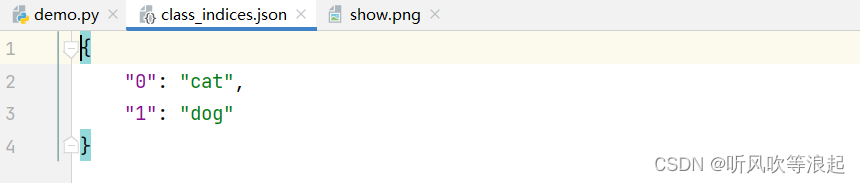
图像分类任务的可视化脚本,生成类别json字典文件
1. 前言 之前的图像分类任务可视化,都是在train脚本里, 用torch中dataloader将图片和类别加载,然后利用matplotlib库进行可视化。 如这篇文章中:CNN 卷积神经网络对染色血液细胞分类(blood-cells) 在分类任务中,必定…...

Adding Conditional Control to Text-to-Image Diffusion Models——【代码复现】
官方实现代码地址:lllyasviel/ControlNet: Let us control diffusion models! (github.com) 一、前言 此项目的使用需要显存大于8G,训练自己的ControlNet或需要更大,因此请注意查看自身硬件是否符合。 在此之前请确保已经安装好python以及…...

java-Exchanger详解
1.概述 java.util.concurrent.Exchanger。这在Java中作为两个线程之间交换对象的公共点。 2.Exchanger简介 Exchanger类可用于在两个类型为T的线程之间共享对象。该类仅提供了一个重载的方法exchange(T t)。 当调用exchanger时,它会等待成对的另一个线程也调用它…...

‘再战千问:启程你的提升之旅‘,如何更好地提问?
例如,很多时候我们提出一些问题,然而通义千问提供的答案,并非完全符合我们的期望。这并非由于通义千问的智能程度不足,而是提问者的“提问技巧”尚未掌握得当。 难道提问还需要讲究艺术性吗?确实如此。今天,…...
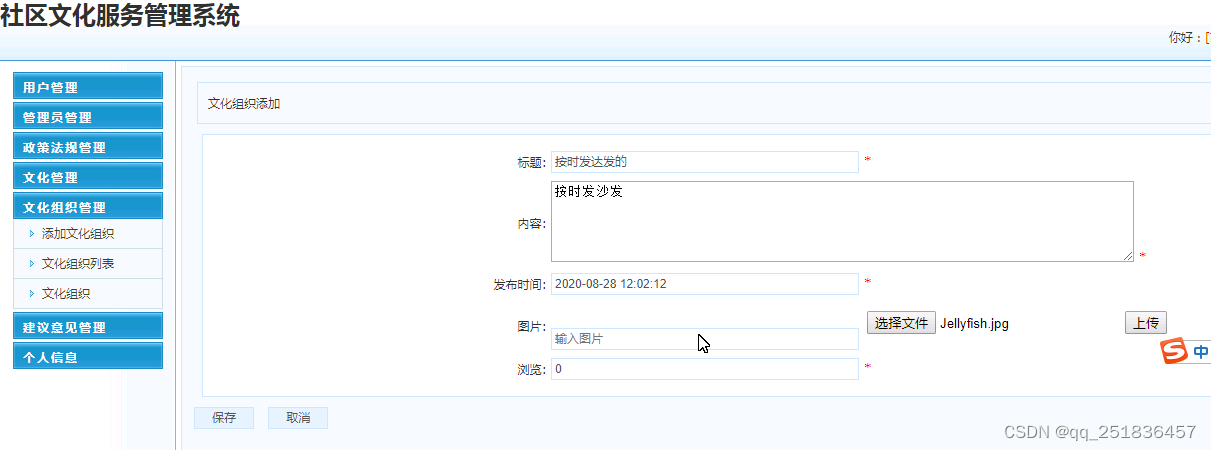
java SSM社区文化服务管理系统myeclipse开发mysql数据库springMVC模式java编程计算机网页设计
一、源码特点 java SSM社区文化服务管理系统是一套完善的web设计系统(系统采用SSM框架进行设计开发,springspringMVCmybatis),对理解JSP java编程开发语言有帮助,系统具有完整的 源代码和数据库,系统主…...
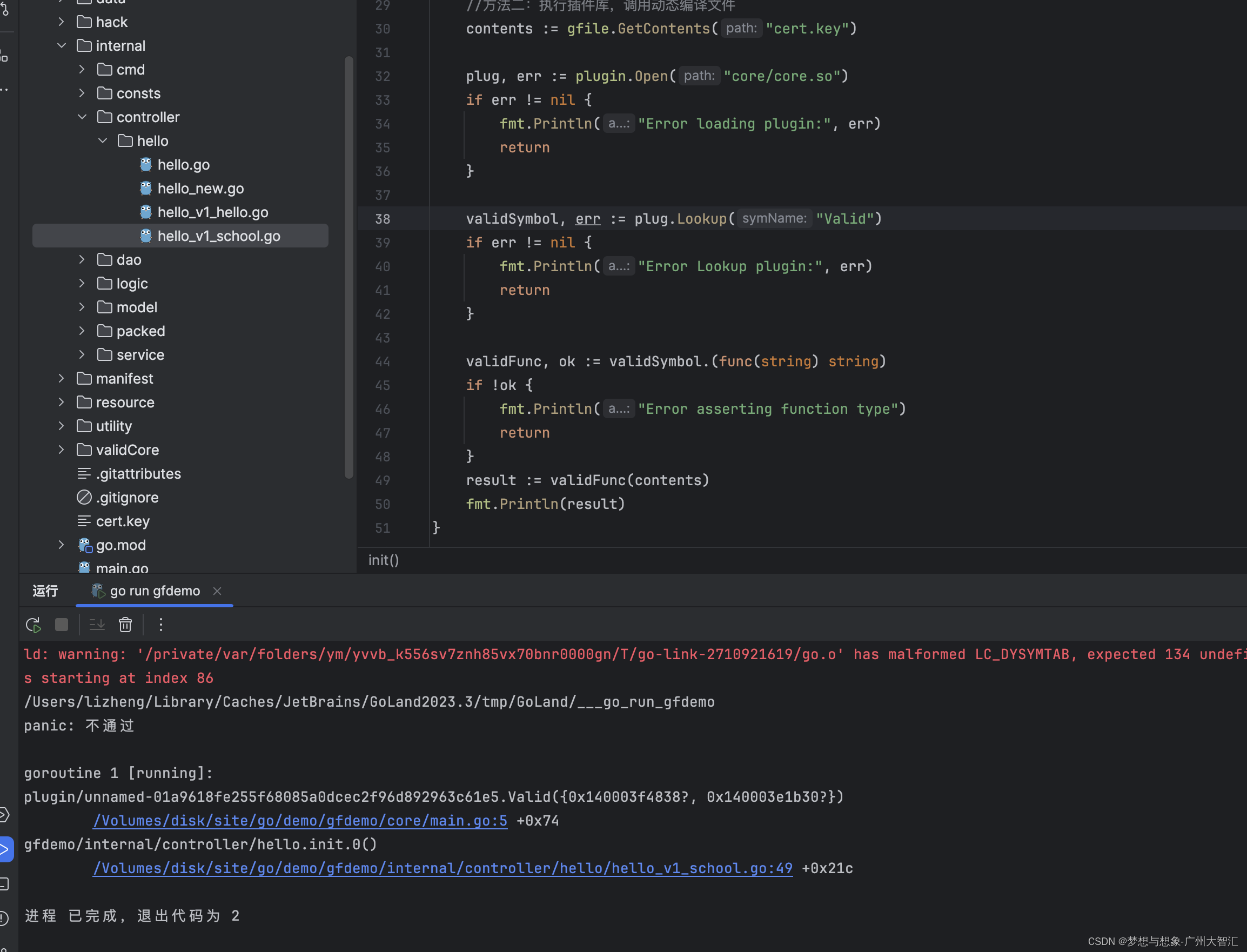
go执行静态二进制文件和执行动态库文件
目的和需求:部分go的核心文件不开源,例如验证,主程序核心逻辑等等 第一个想法,把子程序代码打包成静态文件,然后主程序执行 子程序 package mainimport ("fmt""github.com/gogf/gf/v2/os/gfile"…...

通过示例解释序列化和反序列化-Java
序列化和反序列化是Java(以及通常的编程)中涉及将对象转换为字节流,以及反之的过程。当你需要传输或存储对象的状态时特别有用,比如将其通过网络发送或持久化到文件中。 序列化: 定义:序列化是将对象的状…...
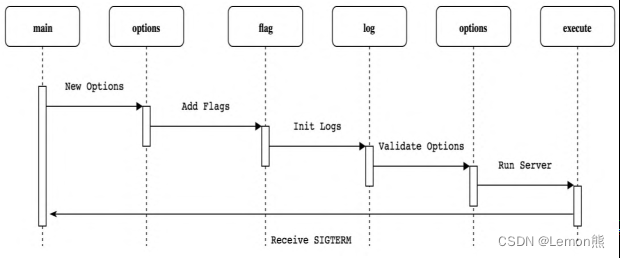
k8s源码阅读环境配置
源码阅读环境配置 k8s代码的阅读可以让我们更加深刻的理解k8s各组件的工作原理,同时提升我们Go编程能力。 IDE使用Goland,代码阅读环境需要进行如下配置: 从github上下载代码:https://github.com/kubernetes/kubernetes在GOPATH目…...

Java JDBC整合(概述,搭建,PreparedStatement和Statement,结果集处理)
一、JDBC的概述: JDBC:是一种执行sql语句的Java APL,可以为多种关系类型数据库提供统一访问,它由一组用Java语言编写的类和接口组成。有了JDBC,Java人员只需要编写一次程序就可以访问不同的数据库。 JDBC APL…...
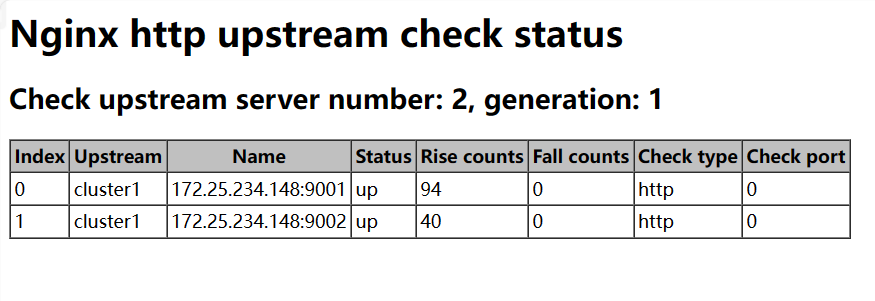
Nginx 负载均衡集群 节点健康检查
前言 正常情况下,nginx 做反向代理负载均衡的话,如果后端节点服务器宕掉的话,nginx 默认是不能把这台服务器踢出 upstream 负载集群的,所以还会有请求转发到后端的这台服务器上面,这样势必造成网站访问故障 注&#x…...

uniapp 多轴图,双轴图,指定哪几个数据在哪个轴上显示
这里使用的在这里导入, 秋云 ucharts echarts 高性能跨全端图表组件 - DCloud 插件市场 这里我封装成一个组件,自适应的,可以直接复制到自己的项目中 <template><qiun-data-charts type"mix":opts"opts":cha…...

Kotlin 协程 supervisorScope {} 运行崩溃解决
前言 简单介绍supervisorScope函数,它用于创建一个使用了 SupervisorJob 的 coroutineScope, 该作用域的特点:抛出的异常,不会 连锁取消 同级协程和父协程。 看过很多 supervisorScope {} 文档的使用,我照抄一摸一样…...
【Spring 篇】JdbcTemplate:轻松驾驭数据库的魔法工具
欢迎来到数据库的奇妙世界,在这里,我们将一同揭开Spring框架中JdbcTemplate的神秘面纱。JdbcTemplate是Spring提供的一个简化数据库操作的工具,它为我们提供了一种轻松驾驭数据库的魔法。本篇博客将详细解释JdbcTemplate的基本使用࿰…...
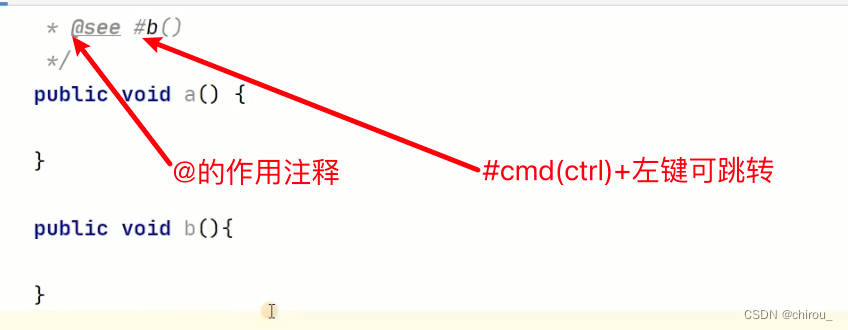
Web开发SpringBoot SpringMVC Spring的学习笔记(包含开发常用工具类)
开发框架学习笔记 一.Spring SpringMVC SpringBoot三者的联系SpringMVC工作原理 二.SpringBoot的学习2.1 注解2.1.1 SpringBoot的核心注解2.1.2 配置导入注解(简化Spring配置写XML的痛苦)Configuration和Bean(人为注册Spring 的 Bean)Import(补)ImportResource(补)AutowiredQua…...

微服务下的SpringSecurity认证端
从三板斧开始微服务下的SpringSecurity开始 一、引入组件包 <dependency><groupId>org.springframework.cloud</groupId><artifactId>spring-cloud-starter-oauth2</artifactId> </dependency> 二、创建适配器 AuthorizationServerConfig…...

苹果电脑菜单栏应用管理软件Bartender 4 mac软件特点
Bartender mac是一款可以帮助用户更好地管理和组织菜单栏图标的 macOS 软件。它允许用户隐藏和重新排列菜单栏图标,从而减少混乱和杂乱。 Bartender mac软件特点 菜单栏图标隐藏:Bartender 允许用户隐藏菜单栏图标,只在需要时显示。这样可以…...
)
笙默考试管理系统-MyExamTest----codemirror(65)
笙默考试管理系统-MyExamTest----codemirror(65) 目录 一、 笙默考试管理系统-MyExamTest----codemirror 二、 笙默考试管理系统-MyExamTest----codemirror 三、 笙默考试管理系统-MyExamTest----codemirror 四、 笙默考试管理系统-MyExamTest---…...
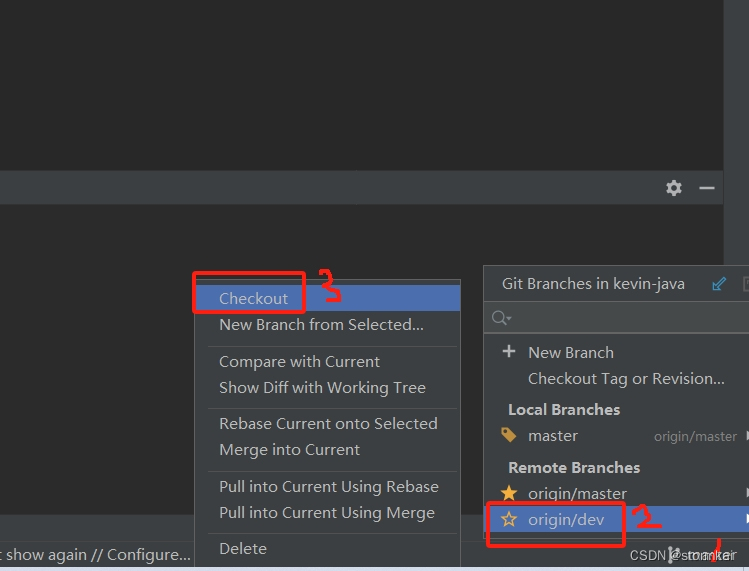
git在本地创建dev分支并和远程的dev分支关联起来
文章目录 git在本地创建dev分支并和远程的dev分支关联起来1. 使用git命令2. 使用idea2.1 先删除上面建的本地分支dev2.2 通过idea建dev分支并和远程dev分支关联 3. 查看本地分支和远程分支的关系 git在本地创建dev分支并和远程的dev分支关联起来 1. 使用git命令 git checkout…...
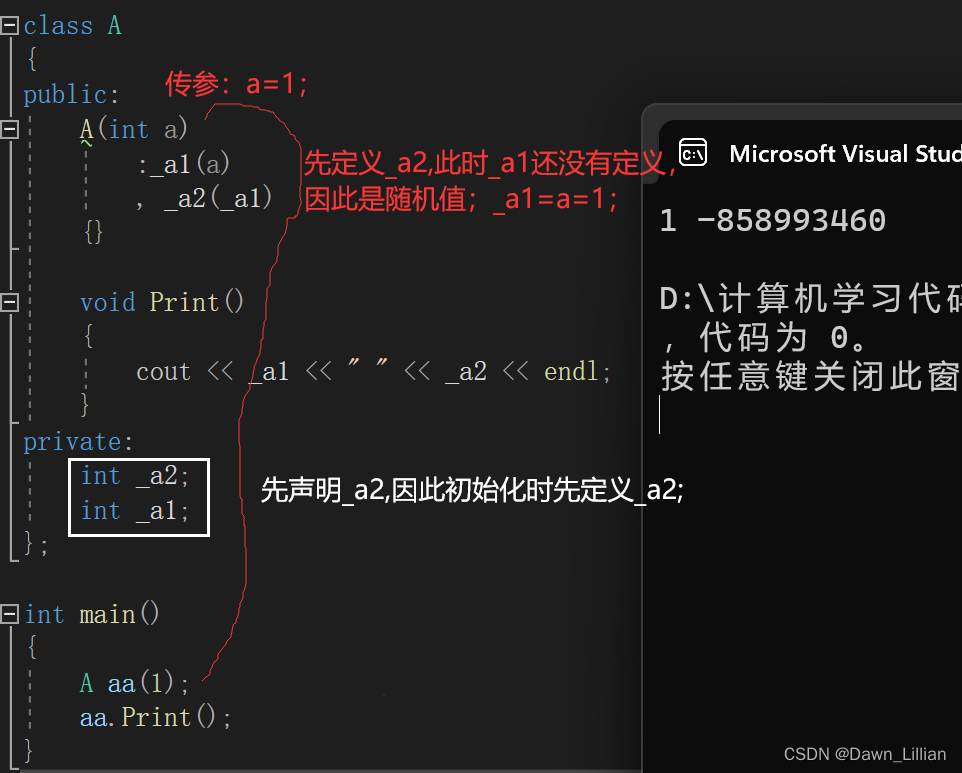
【C++】深入了解构造函数之初始化列表
目录 一、再谈构造函数 1、引入 1)构造函数体赋值 2)不同成员变量赋值 2、初始化列表 一、再谈构造函数 1、引入 1)构造函数体赋值 在创建对象时,编译器通过调用构造函数,给对象中各个成员变量一个合适的初始值…...
)
从SolidWorks到Geant4仿真:我的第一个粒子探测器CAD模型导入全记录(含CADMesh避坑点)
从SolidWorks到Geant4仿真:我的第一个粒子探测器CAD模型导入全记录(含CADMesh避坑点) 作为一名刚接触粒子探测器仿真的研究生,我花了整整两周时间才成功将SolidWorks设计的模型导入Geant4进行模拟。这个过程远比想象中复杂&#x…...

STM32F407移植QP状态机踩坑实录:从编译报错到成功运行,我解决了这三个关键问题
STM32F407移植QP状态机踩坑实录:从编译报错到成功运行,我解决了这三个关键问题 在嵌入式开发中,状态机是一种极其重要的编程范式,它能有效管理复杂系统的行为逻辑。QP(Quantum Platform)作为一款轻量级的状…...

如何免费下载百度文库文档:三步搞定PDF保存的终极指南
如何免费下载百度文库文档:三步搞定PDF保存的终极指南 【免费下载链接】baidu-wenku fetch the document for free 项目地址: https://gitcode.com/gh_mirrors/ba/baidu-wenku 你是否经常在百度文库找到完美的学习资料或工作报告,却因为需要下载券…...

【技术解析】基于主成分分析与神经网络的航空安全风险建模:从QAR数据预处理到实时预警仿真
1. 航空安全风险建模的技术背景 每次坐飞机时,你可能都好奇过:机长是如何确保飞行安全的?其实背后有一整套数据驱动的安全体系在支撑。QAR(快速存取记录器)就像飞机的"黑匣子",记录了上百项飞行参…...

Kafka Connect集群部署踩坑实录:从单机到高可用的完整配置与监控方案
Kafka Connect生产级部署实战:高可用架构设计与监控体系构建 当数据管道成为企业核心基础设施时,Kafka Connect的稳定性直接关系到业务连续性。去年某电商大促期间,因单点故障导致数据同步延迟6小时的教训仍历历在目——这正是我们需要深入探…...

开源银行API模拟器Bankr Buddy:金融科技开发的本地化测试解决方案
1. 项目概述:一个为开发者准备的银行API模拟器如果你正在开发一个需要与银行账户数据打交道的应用,无论是个人财务管理工具、预算分析软件,还是企业级的财务聚合服务,你肯定遇到过同一个难题:如何在不触碰真实用户敏感…...

开源项目容器镜像全流程实践:从命名规范到生产部署
1. 项目概述:从镜像名到开源协作生态的深度解构看到mco-org/mco这个镜像名,很多人的第一反应可能是去 Docker Hub 或 GitHub 上搜索,看看它具体是什么。但今天,我想从一个更本质、更实战的角度来聊聊这个话题。mco-org/mco不是一个…...
用户指引自助教学源码—东方仙盟)
未来之窗昭和仙君(九十三)用户指引自助教学源码—东方仙盟
代码<!DOCTYPE html> <html lang"zh-CN"> <head> <meta charset"UTF-8"> <meta http-equiv"X-UA-Compatible" content"IEedge,chrome1"> <title>你的导师-未来之窗</title> <style>*…...

龙芯3A6000平台Loongnix系统部署实战:从固件更新到驱动配置全解析
1. 项目概述:一次国产平台上的系统部署实战最近,我拿到了一台基于龙芯3A6000处理器和7A2000桥片的国产台式机。对于长期在x86/ARM生态里打转的开发者来说,这无疑是一个充满新鲜感和挑战的“新玩具”。它的核心使命,就是运行龙芯社…...

Linux磁盘空间告警与清理实战
Linux磁盘空间告警与清理实战磁盘空间不足是 Linux 运维中最常见也最容易引发连锁故障的问题之一。很多服务平时运行正常,但一旦分区写满,轻则日志无法落盘,重则数据库异常、服务启动失败甚至系统不可用。中级技术人员不能只会“删文件腾空间…...